
A little AI. A lot of you.
Your photo.
New moves.
Turn a photo into your main-character moment. Pick a dance, add your photo, and let DanceFizz bring the moves.

No choreography required.
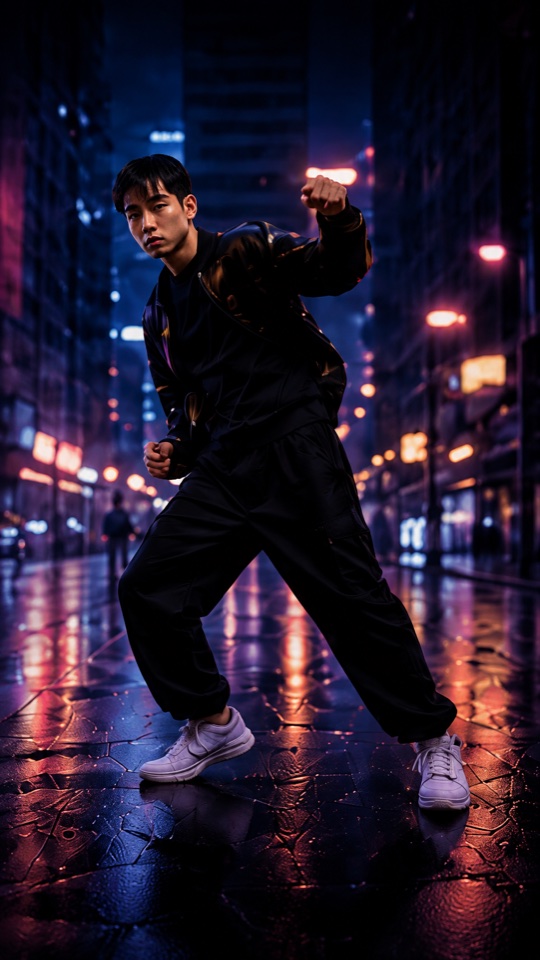
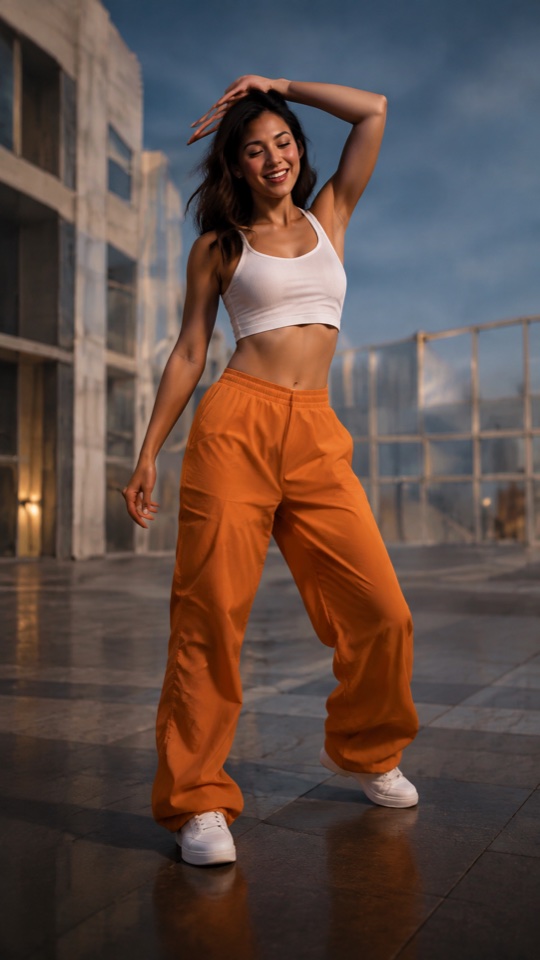
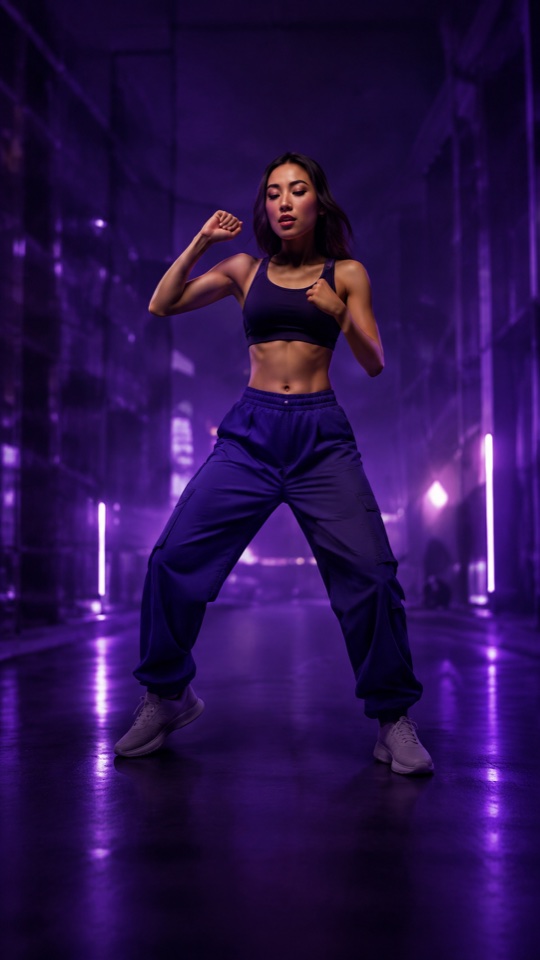
 Same you.
Different energy.
Find your rhythm
A move for every mood.
Late-night grooves. Feel-good energy.
Find the one that feels like you.
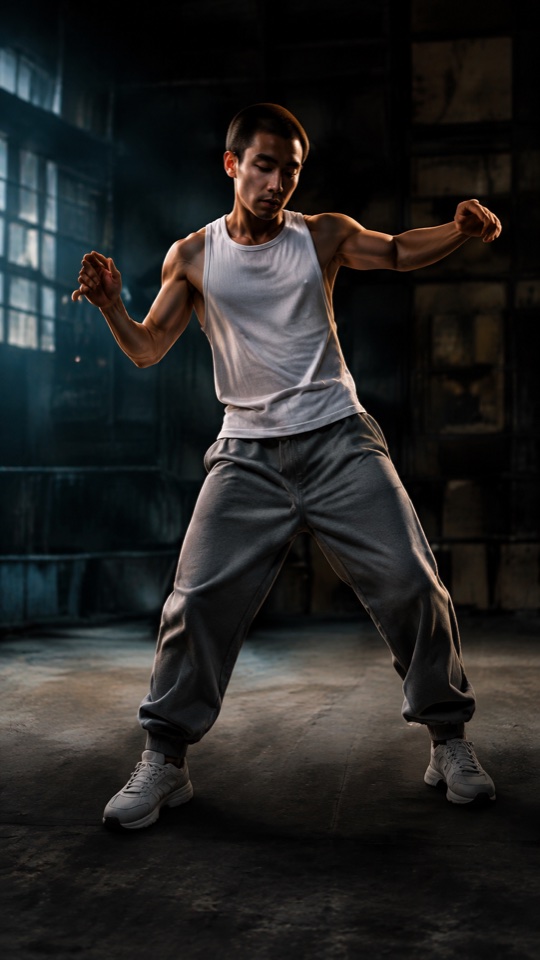
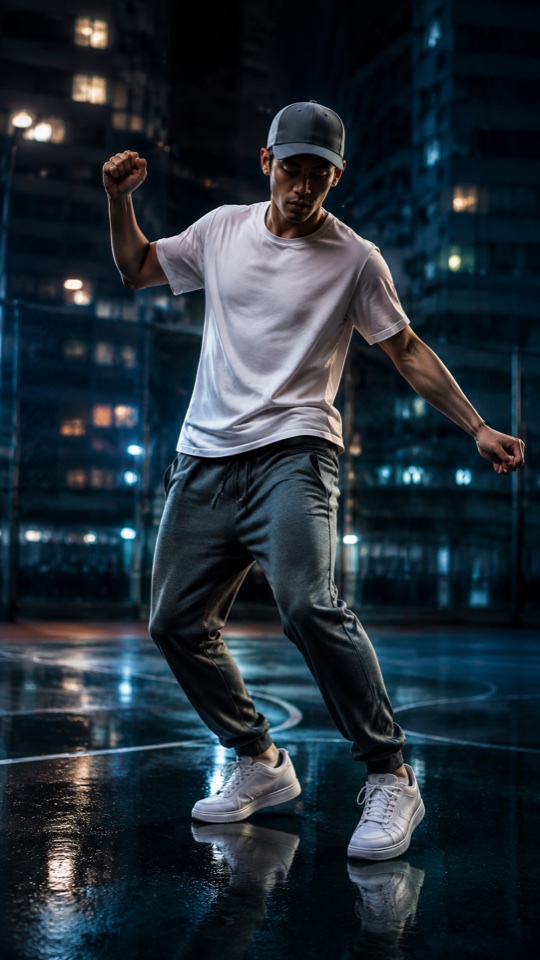
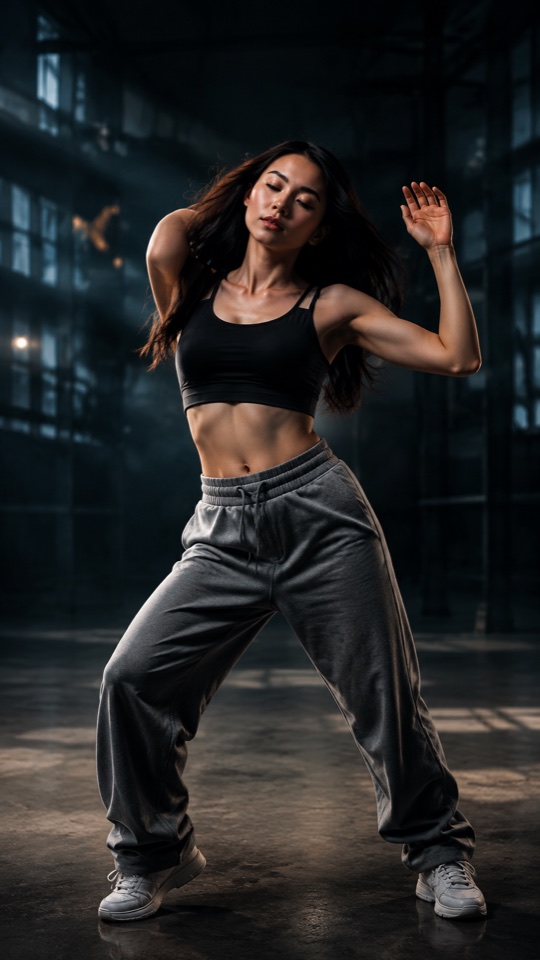
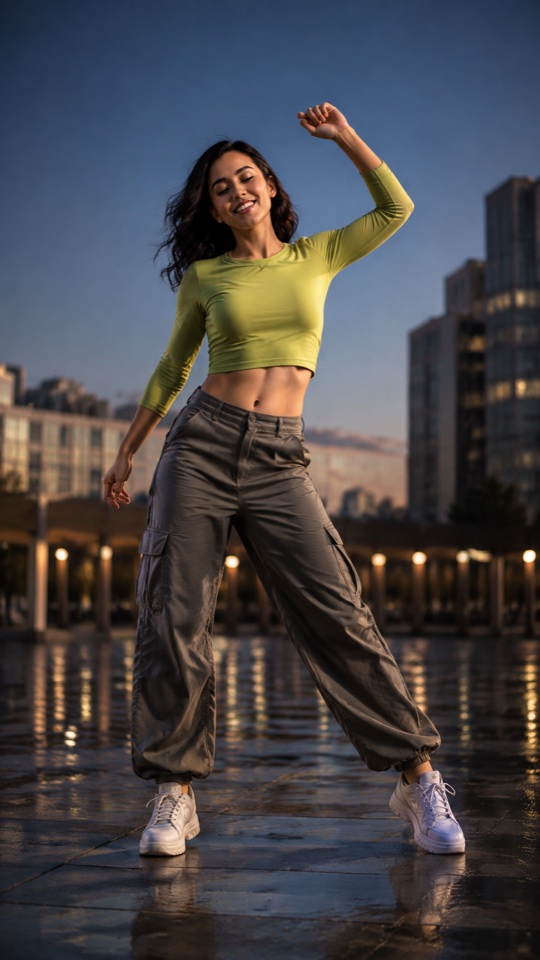
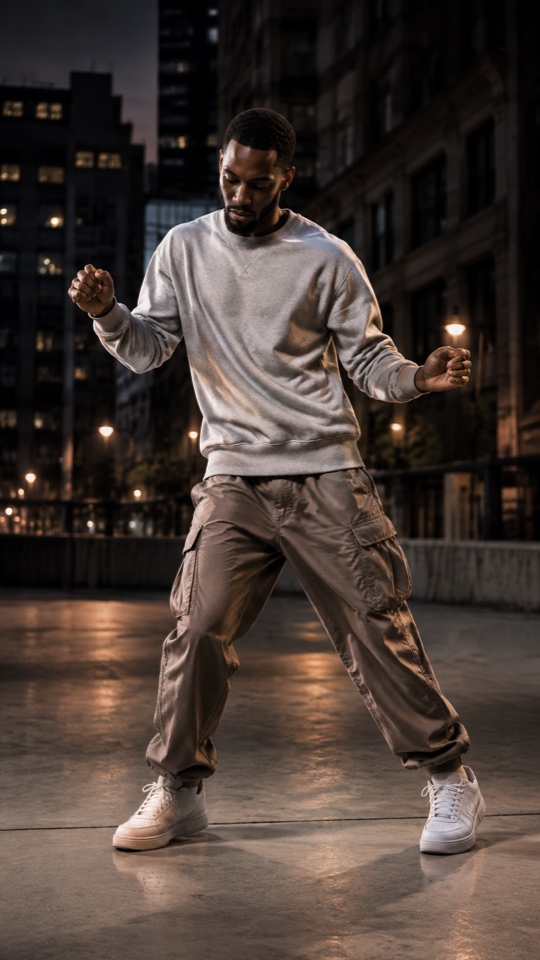
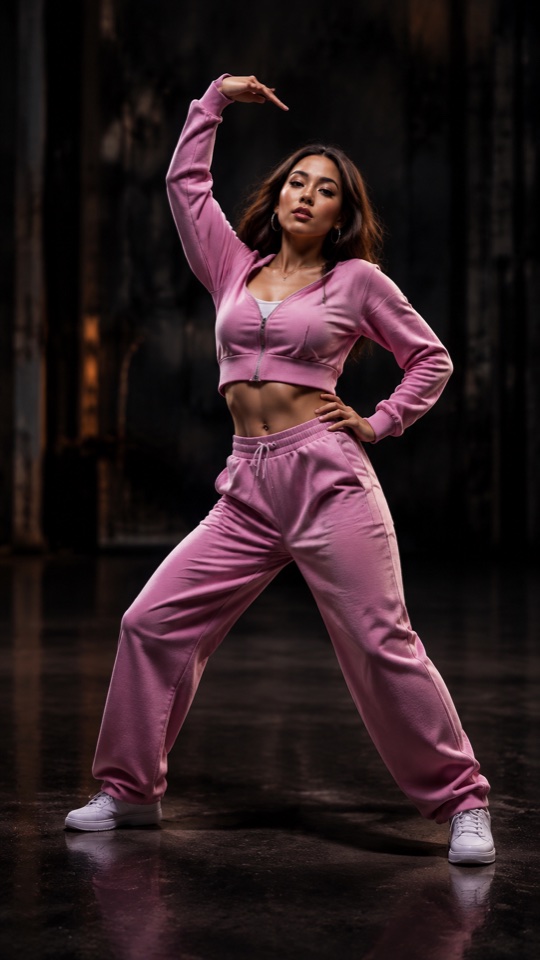
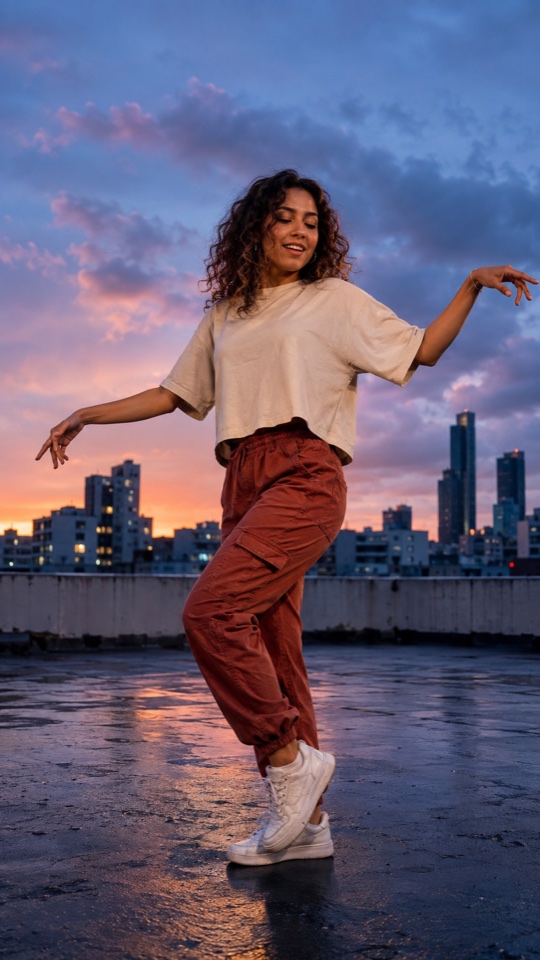
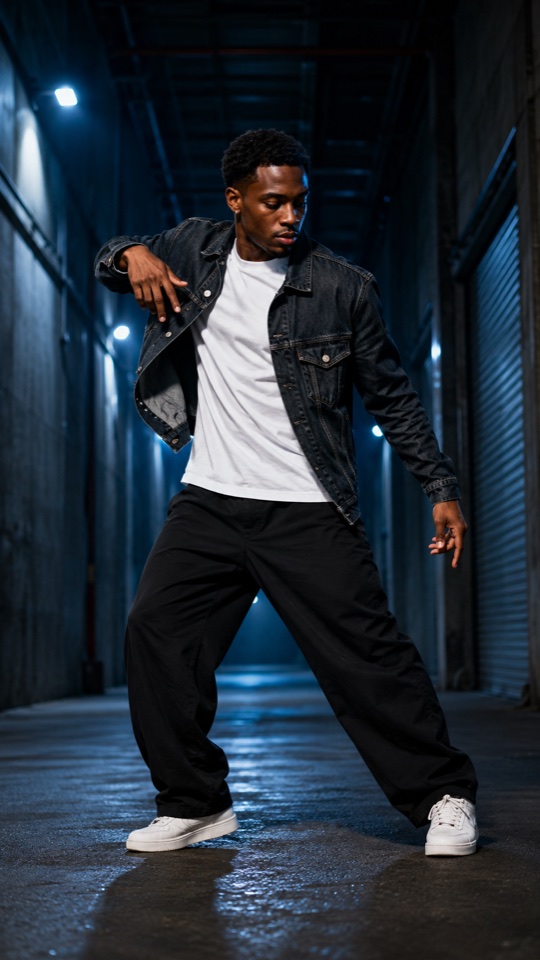
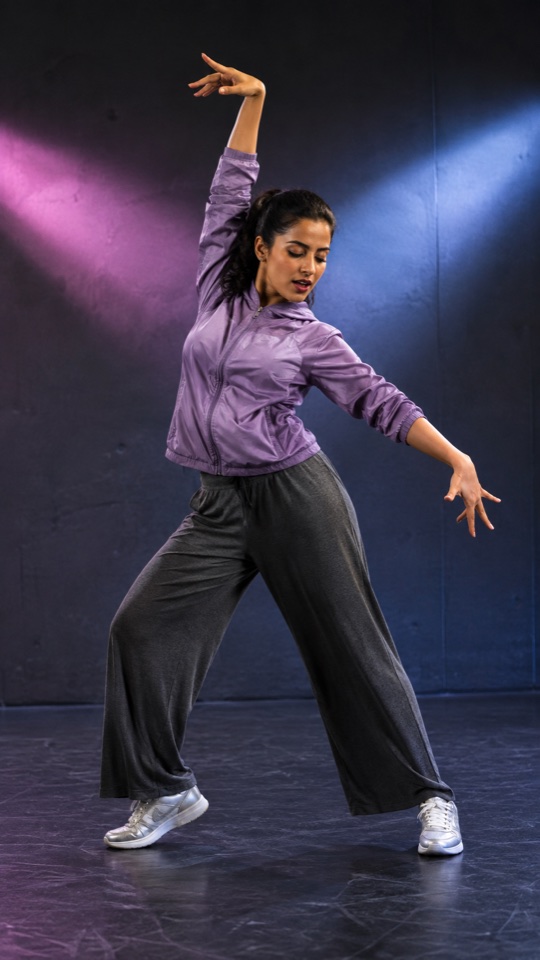
Just a taste of the energy. Explore the templates in the app.
AI-created template artworkSmall effort. Big energy.
Camera roll.
Meet dance floor.
You bring the photo.
We’ll bring the choreography.
- 01
Pick your move.
Find your kind of energy in a collection of dance templates, from smooth to full send.
- 02

Make it you.
Add a clear photo of yourself. Choose a photo you have permission to use.
- 03

Let it fizz.
Review the credit cost, generate your dance video, then save it or share your moment.
Your spotlight is waiting
Make it
dance.
That photo deserves a little more energy.
Your next move starts with DanceFizz.
 Coming soon to theApp Store
For adults 18+. iPhone launch coming soon. In-app purchases; prices and renewal terms appear before purchase.
What is DanceFizz?
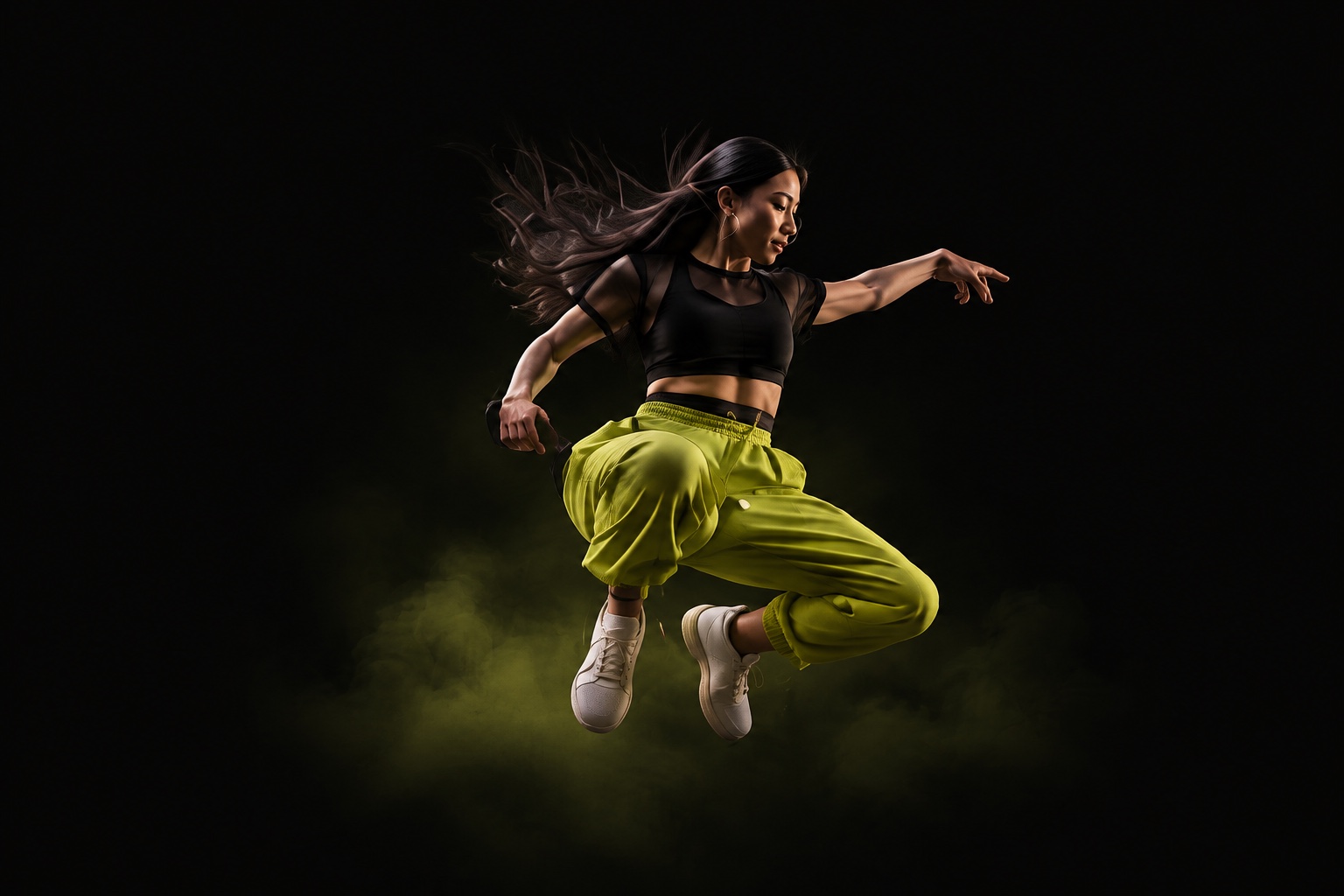
DanceFizz is an AI dance video app. Choose a dance template, add a photo, and generate a video that puts you in the moves. The images on this website are template artwork, not playable video previews.
Do I need to know how to dance?
No practice or filming session needed. Start with a clear photo and a dance template. DanceFizz uses AI to create the movement, and results can vary with your photo and chosen template.
Which photo should I use?
Use a clear, well-lit photo with one adult clearly visible. Avoid heavy blur and anything covering the face. Only upload photos you own or have permission to use, with the consent of anyone pictured.
How do plans and credits work?
Credits are used to generate videos; review the cost before starting. Pro Weekly includes 1,500 credits per paid week. Ordinary subscription credits expire at the end of that week. Purchased credit packs and credits returned for a failed generation do not expire or extend Pro. The app shows prices and renewal terms before purchase. See our purchase terms for more information.
How is my photo used?
Your selected photo and dance reference are processed through fal.ai’s Kling service to generate the video. DanceFizz does not send your photos or videos to Meta for advertising measurement. Read how AI processing works and your tracking choices.
Where can I find privacy and deletion information?
See our Privacy Policy for data-handling information, or visit Account & data deletion for the deletion request process. Our support page also brings these resources together.